

Testing Targeting Rules
The targeting rules tester answers "what would this user get?" while you are editing the rules of a config. It runs the same evaluator our server SDKs ship, over the rules as they are in the editor, saved or not, and shows the value along with the reason every rule did or did not apply.
The tester is available on every plan and in every environment.
Opening the tester
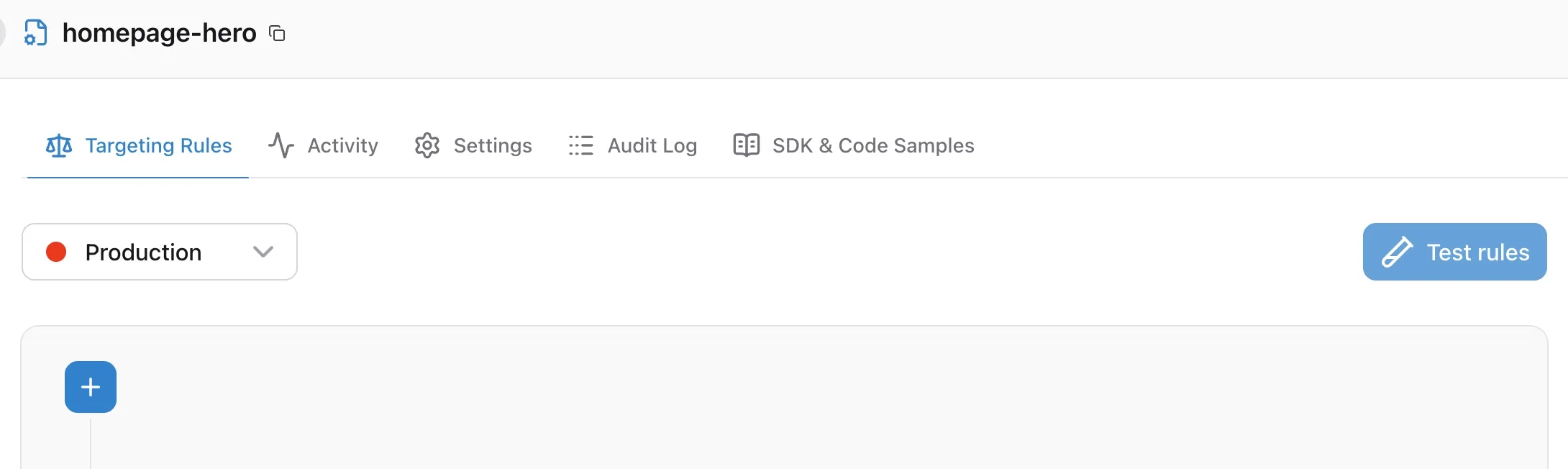
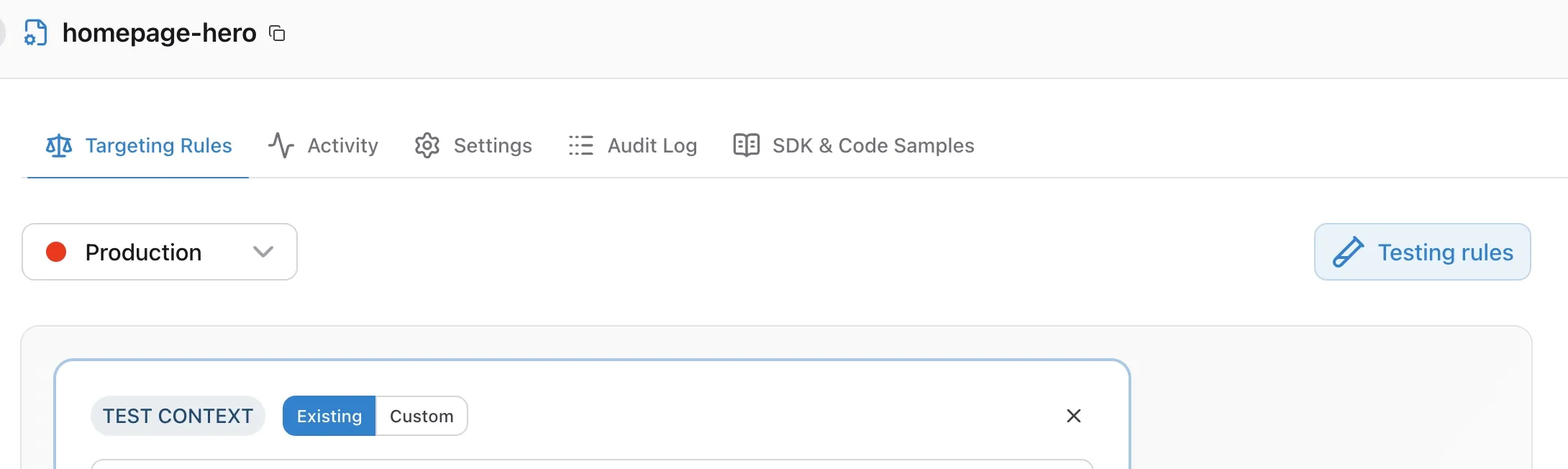
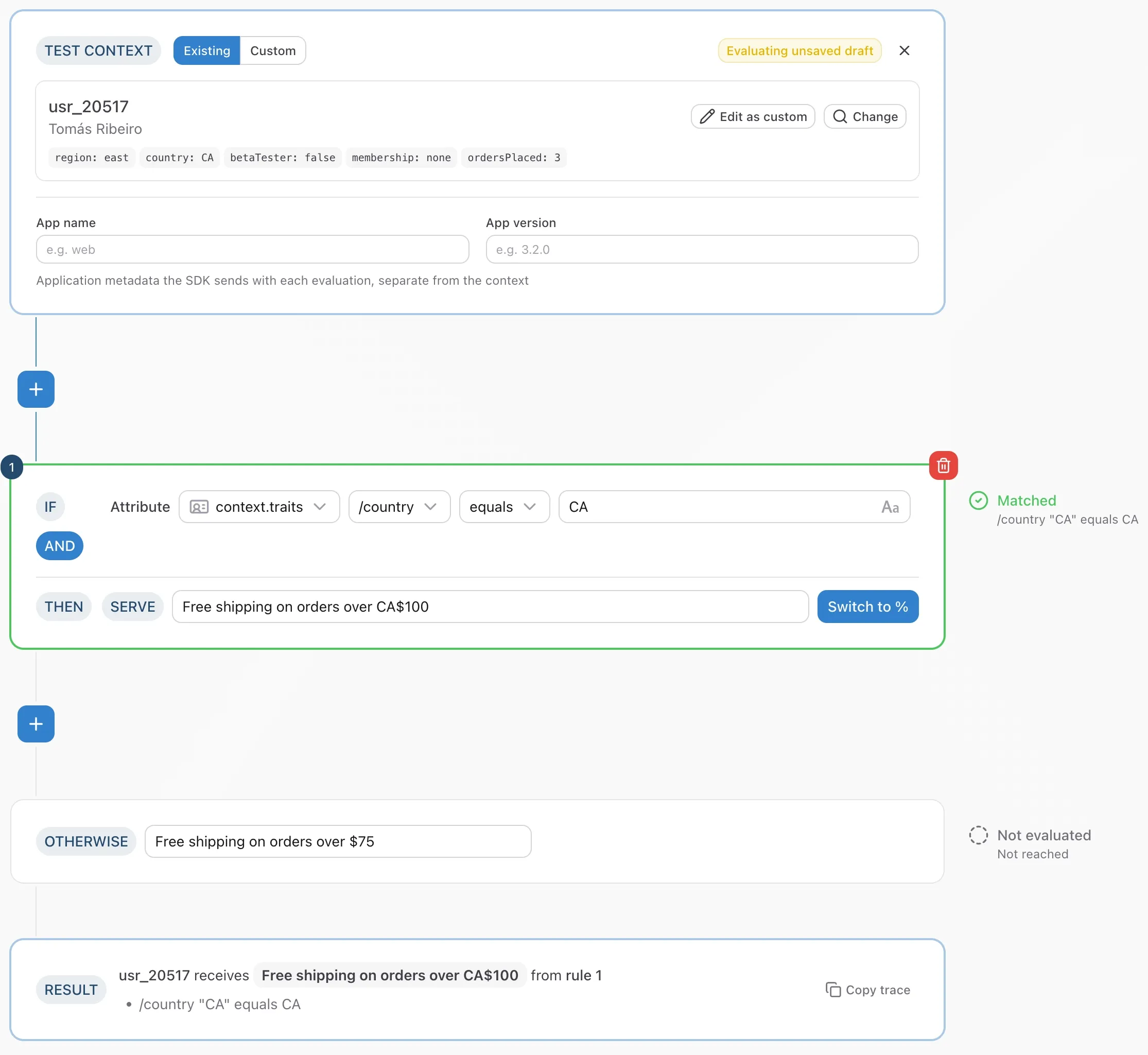
Open a config, go to the Targeting Rules tab, pick an environment, and click Test rules next to the environment selector. Two nodes join the rule flow: a Test context node above the first rule and a Result node below the default targeting rule. Every rule gains a marker in a column to its right.
Click the button again to close the tester. Nothing about the tester is saved with the config.
Choosing a context
The test context node has two modes.
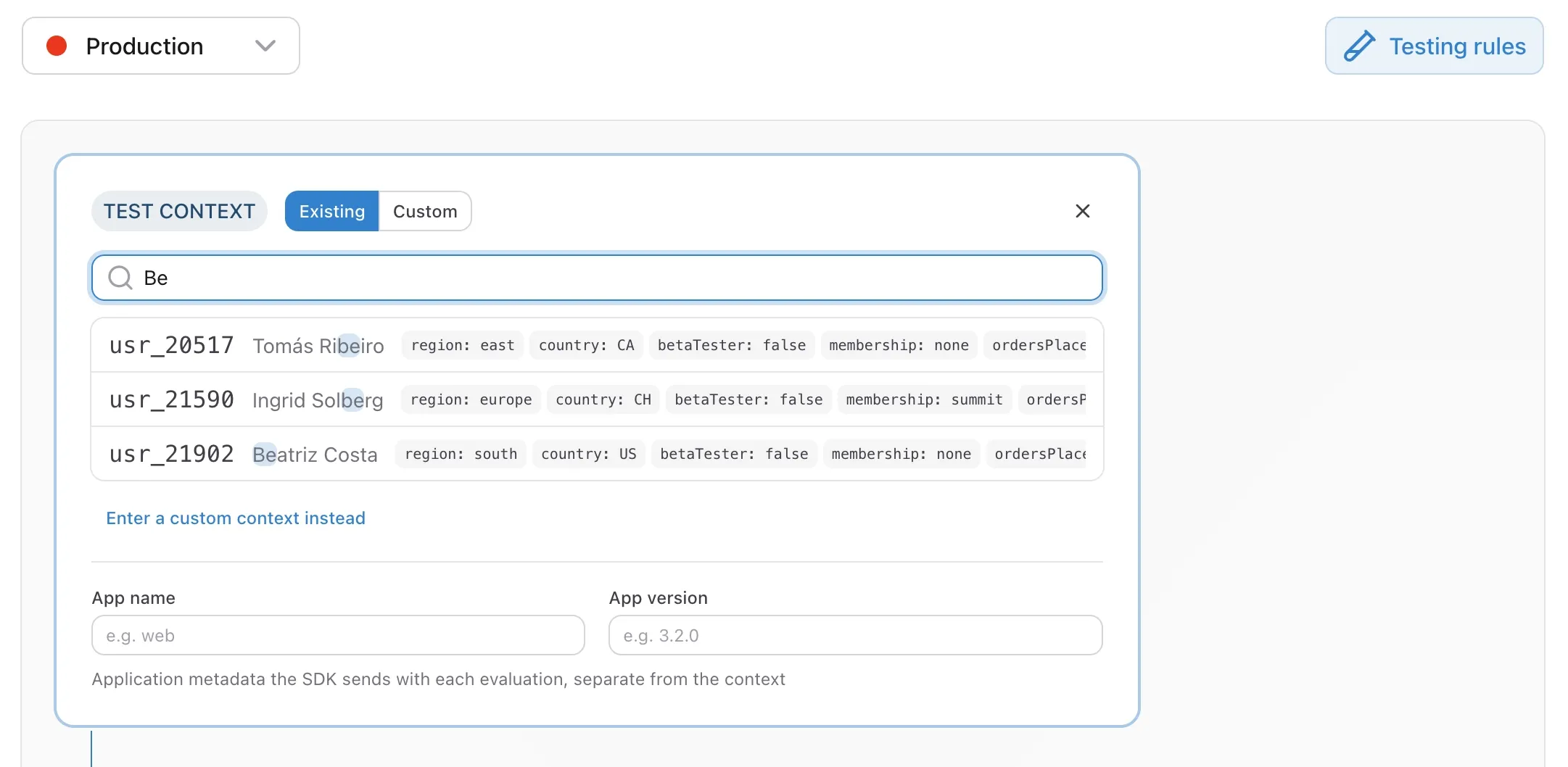
- Existing searches the contexts of the selected environment by identifier or name. Each result shows the context's traits. Pick one and it appears as a card; Change goes back to the search, and Edit as custom copies it into the custom form so you can tweak a trait without touching the stored context. Contexts you have tested recently are listed under the search box while it is empty.
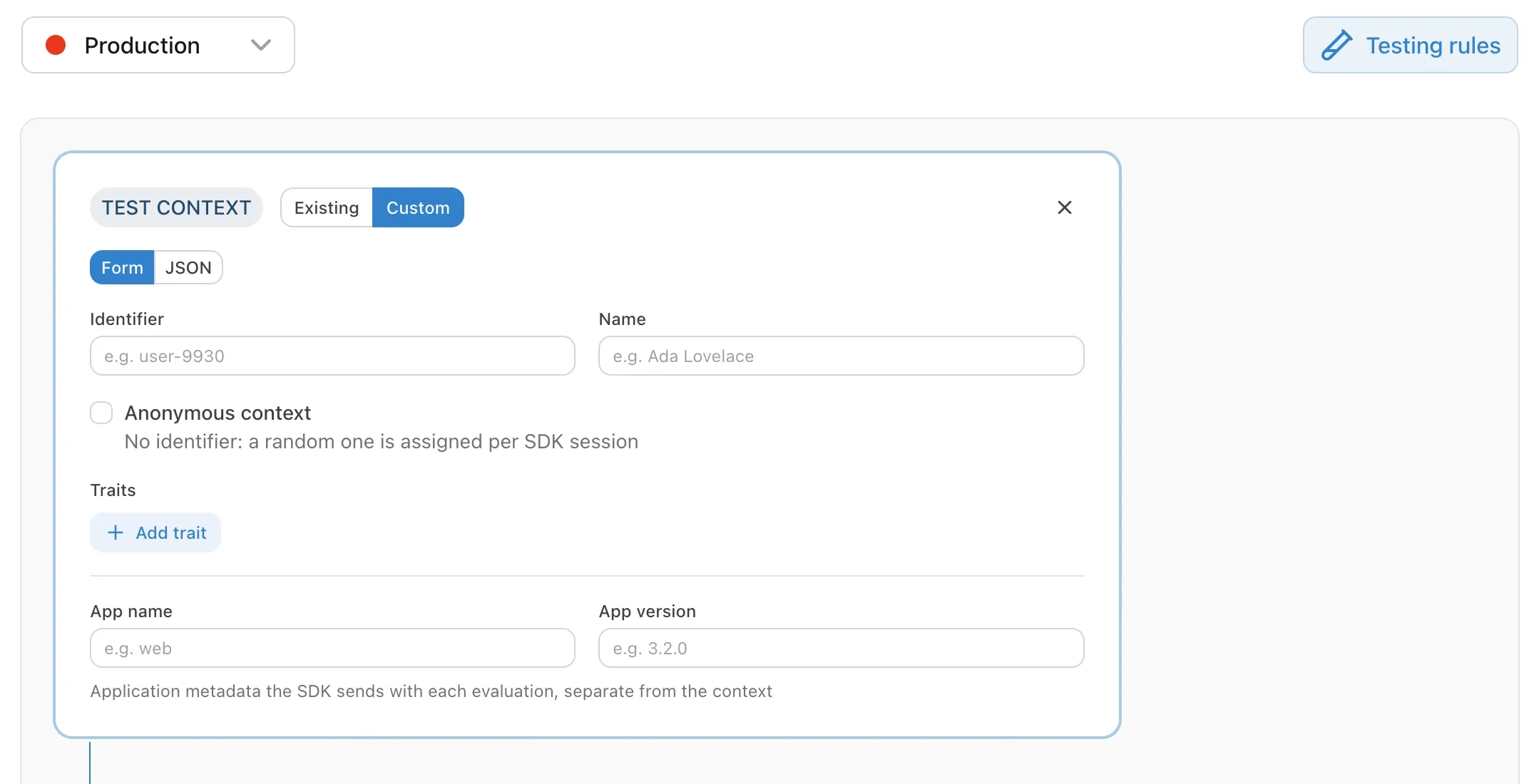
- Custom lets you describe a context that may not exist yet, either as a form (identifier, name, an anonymous checkbox, and trait rows) or as JSON in the shape the SDKs send:
id,name,anonymous, andtraits.
Stored contexts do not carry the application name and version, because those arrive with each evaluation rather than with the context. Both modes have App name and App version fields under the context for rules that target application metadata.
Switching environment keeps the tester open. A picked existing context is cleared, since contexts belong to a given environment, and a custom context is kept.
Reading the markers
Each rule is marked with one of these outcomes.
| Marker | Meaning |
|---|---|
| Matched | Every condition held, or the context fell into one of the rule's percentage shares. |
| Not matched | At least one condition did not hold, or the context fell outside every share. |
| Not evaluated | An earlier rule already served the value, so this rule was not reached. |
| Error | The rule could not be evaluated. |
Under the marker, each condition is written out with the value the context actually had, for example /plan "pro" is not one of enterprise. A trait the context does not have shows as (absent), which is the most common reason a rule you expected to match did not. A condition that is still being filled in never matches and says so.
For a percentage rule, the marker shows the bucket assignment the context's identifier hashed to and which share it fell into, for example Bucket 12.3 falls inside the 20% share serving true (0 to 20). Bucketing is deterministic for a given identifier, so the same context always lands in the same bucket, in the tester and in your applications.
The default targeting rule is marked Matched when no rule above it matched, and Not evaluated when a rule above it served the value.
Reading the result
The result node states the outcome: which context receives which value, and the conditions that were met as part of the match. For an experiment, the value is the served variation. Copy trace puts the full trace on your clipboard, with the context that was evaluated and every marker, ready to paste into a ticket or a chat.
Evaluating unsaved edits
The tester evaluates the rules as they are in the editor. Change a condition, a value, a share, or the default targeting rule value, and the markers and the result update after a short pause, without saving. While the editor holds unsaved changes the test context node shows an Evaluating unsaved draft badge, so you always know whether you are looking at what production serves or at what it would serve after you save.
Anonymous contexts
A context without an identifier cannot be bucketed by identifier. For that reason, the SDK server derives one from the SDK instance, so an anonymous user keeps the same percentage assignment for as long as that SDK instance lives, and the derived identifier is never stored. The tester mirrors this by holding one identifier for as long as it is open and using it for any context you test without an identifier. The bucket line says so when that identifier was used.
What the tester runs
The tester uses the same evaluator as our server SDKs, and the trace is produced by the same walk that produces the value, so the two cannot disagree. Evaluation runs on ConfigDirector's servers, not in your browser, and the context you type is used for that evaluation only. It is not stored and does not appear on the Contexts page or in the activity graphs.